Have your Revenu Québec registration details to hand before you start. You will be asked for all of these:
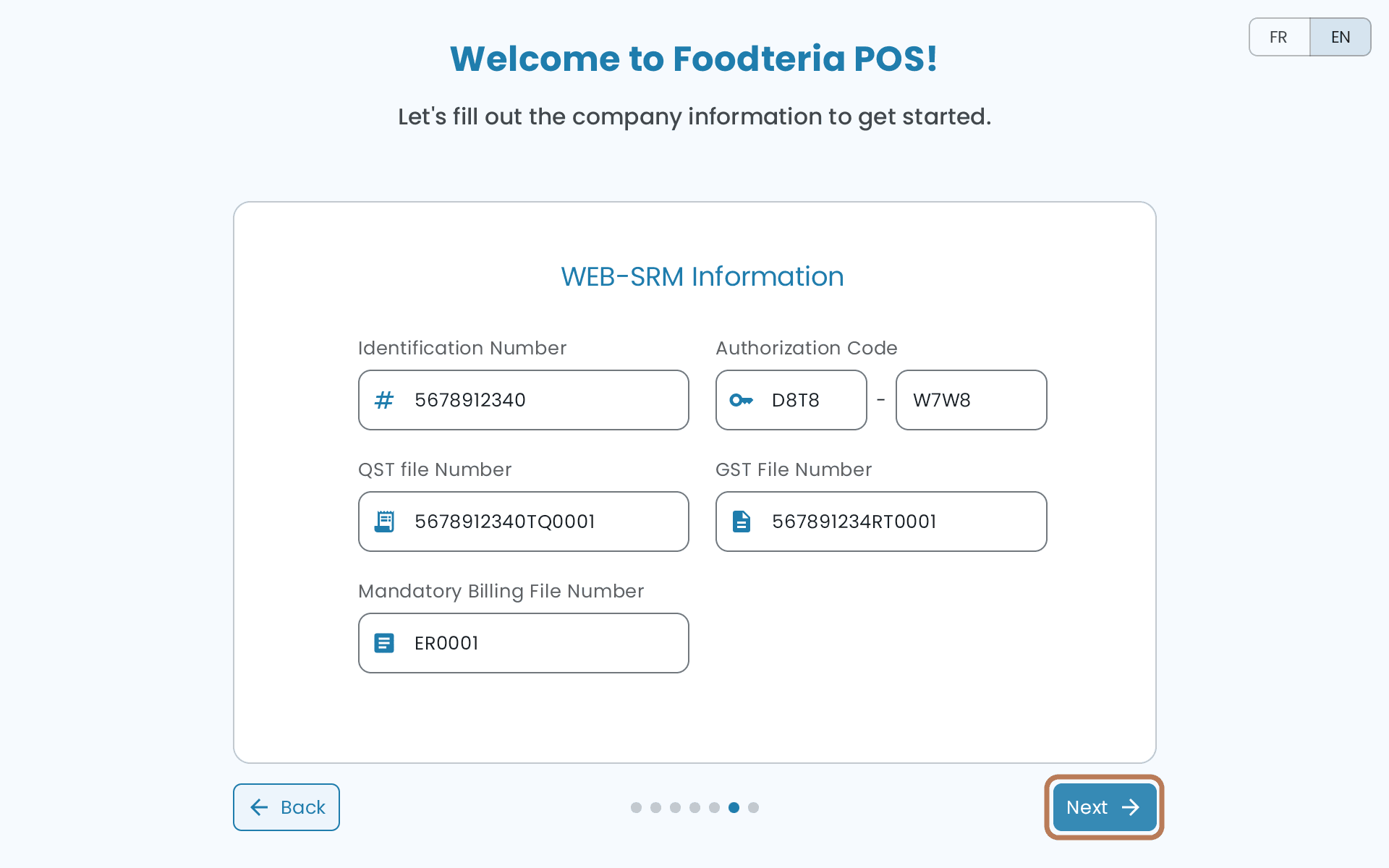
- Identification Number
- Authorization Code
- QST file number
- GST file number
- Mandatory Billing file number
If you don't have them yet, that's a Revenu Québec registration step, not a Foodteria one — sort it before you start, because the guided setup can't continue without them.
The guided setup
The setup runs through seven short screens.
-
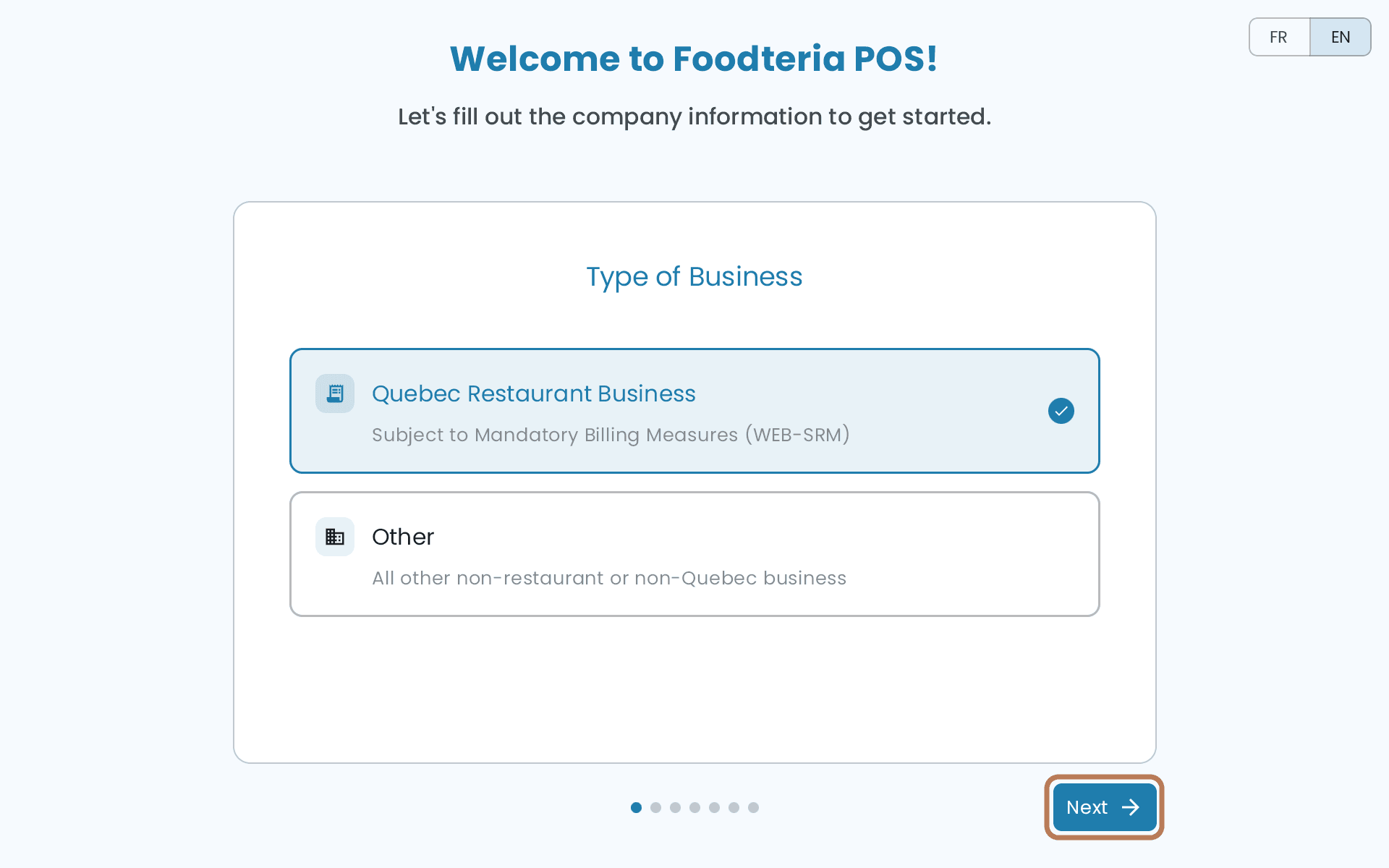
Type of Business — choose Quebec Restaurant Business.
-
Device Name — a name for this tablet.
-
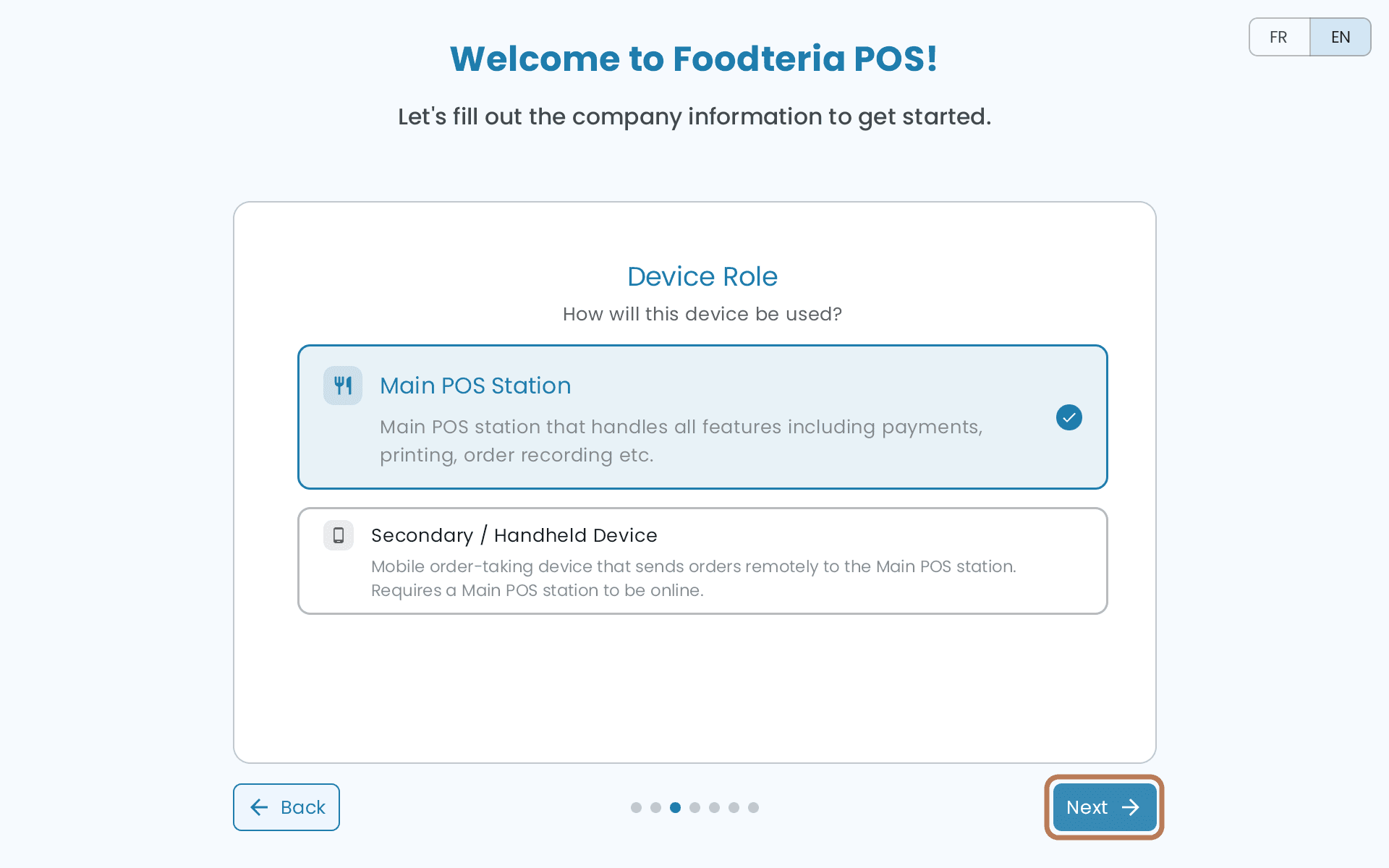
Device Role — choose Main POS Station. Secondary / Handheld Device is for a tablet that only sends its orders to another POS.
-
Store Information, then Store Address.
-
WEB-SRM Information — the five registration details from the list above.
-
Review Information — check it over, then tap Done.
Request your SRS certificate
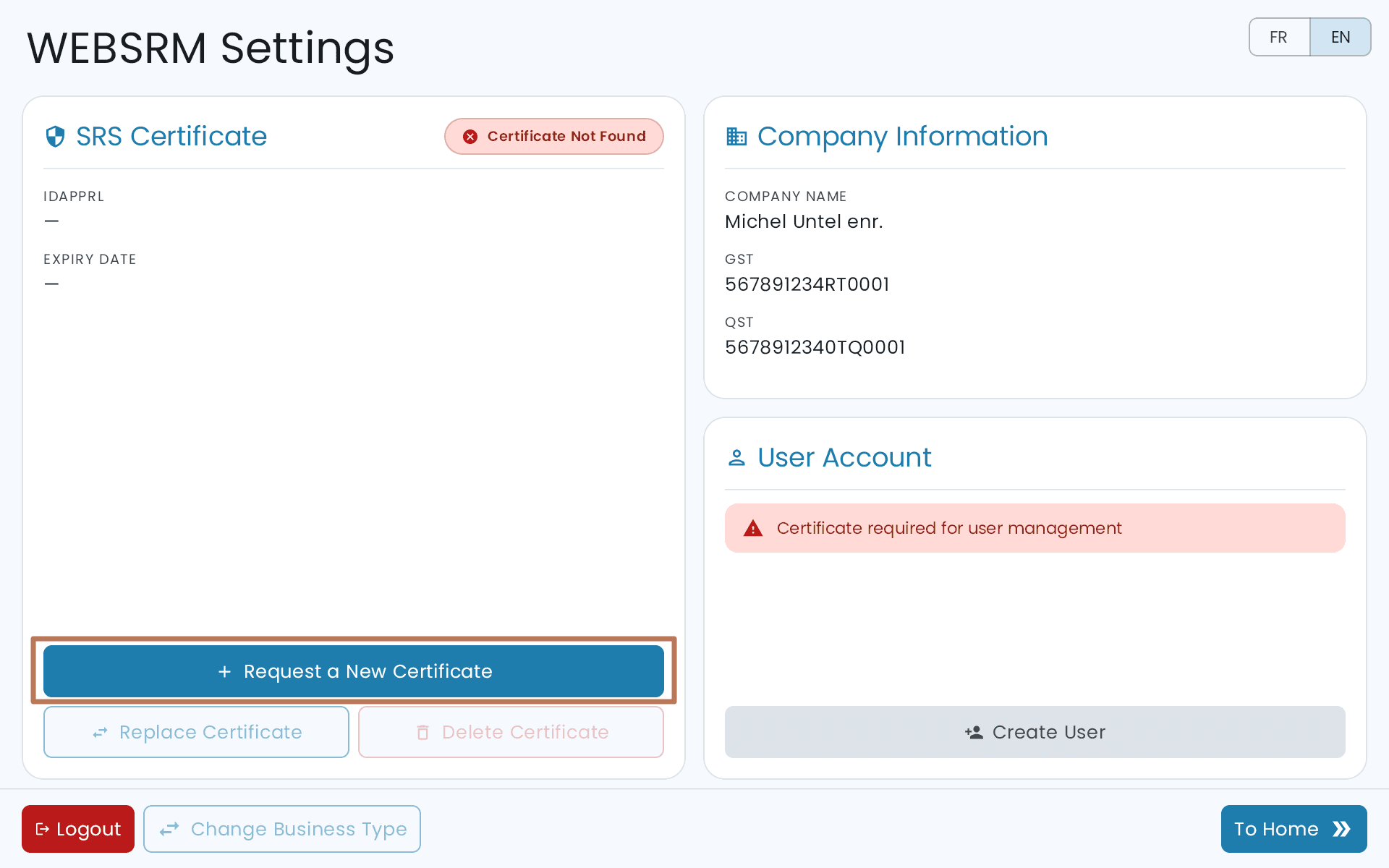
On the WEBSRM Settings screen, tap Request a New Certificate.
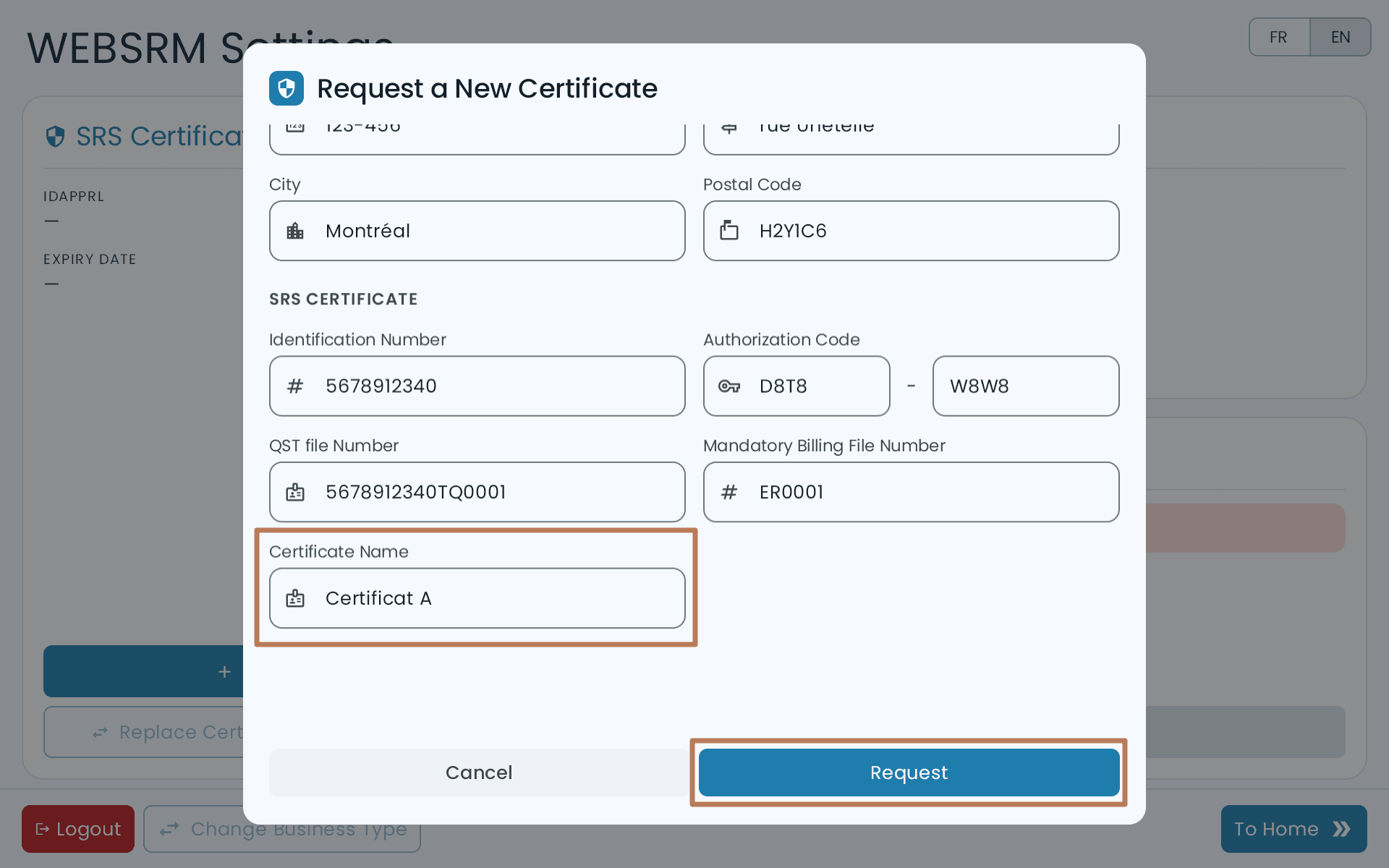
Give the certificate a name of at least 8 characters.
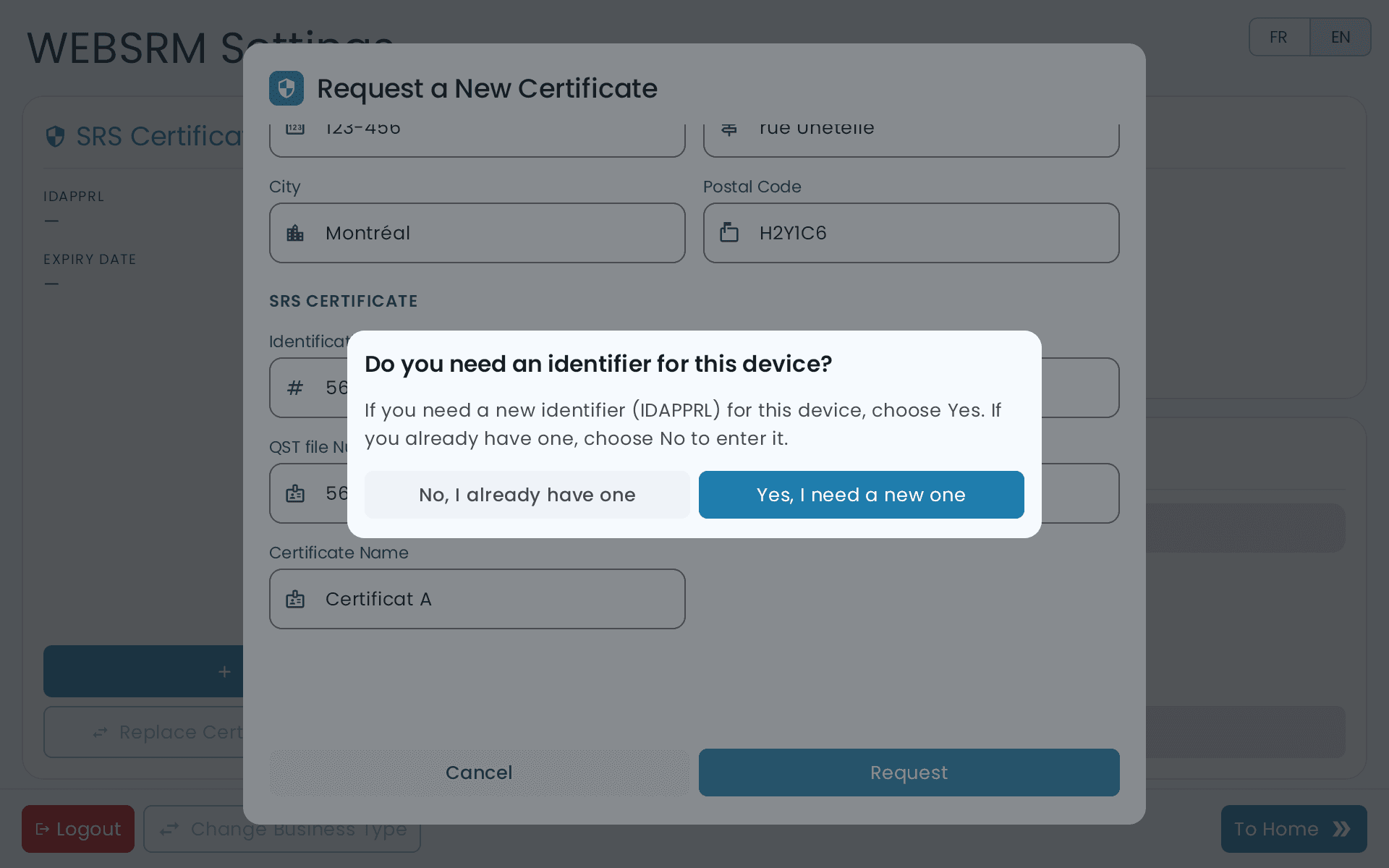
Then say whether you need a new IDAPPRL identifier, or already have one. If you've had a certified system before, you likely already have one.
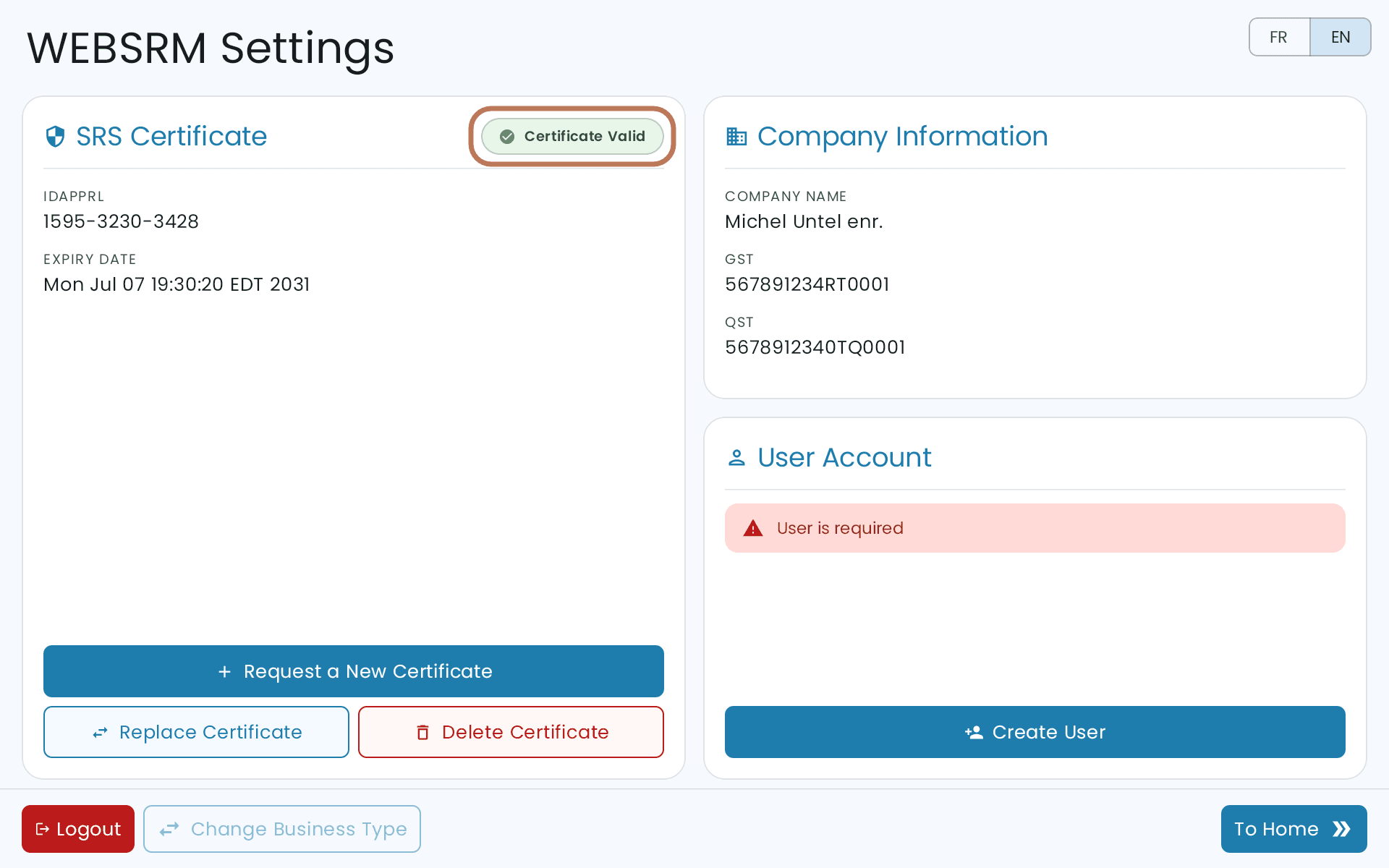
When the request goes through, the certificate reads Certificate Valid.
Create a user
Create at least one user account with a username. Your GST and QST file numbers are filled in for you from the first step.
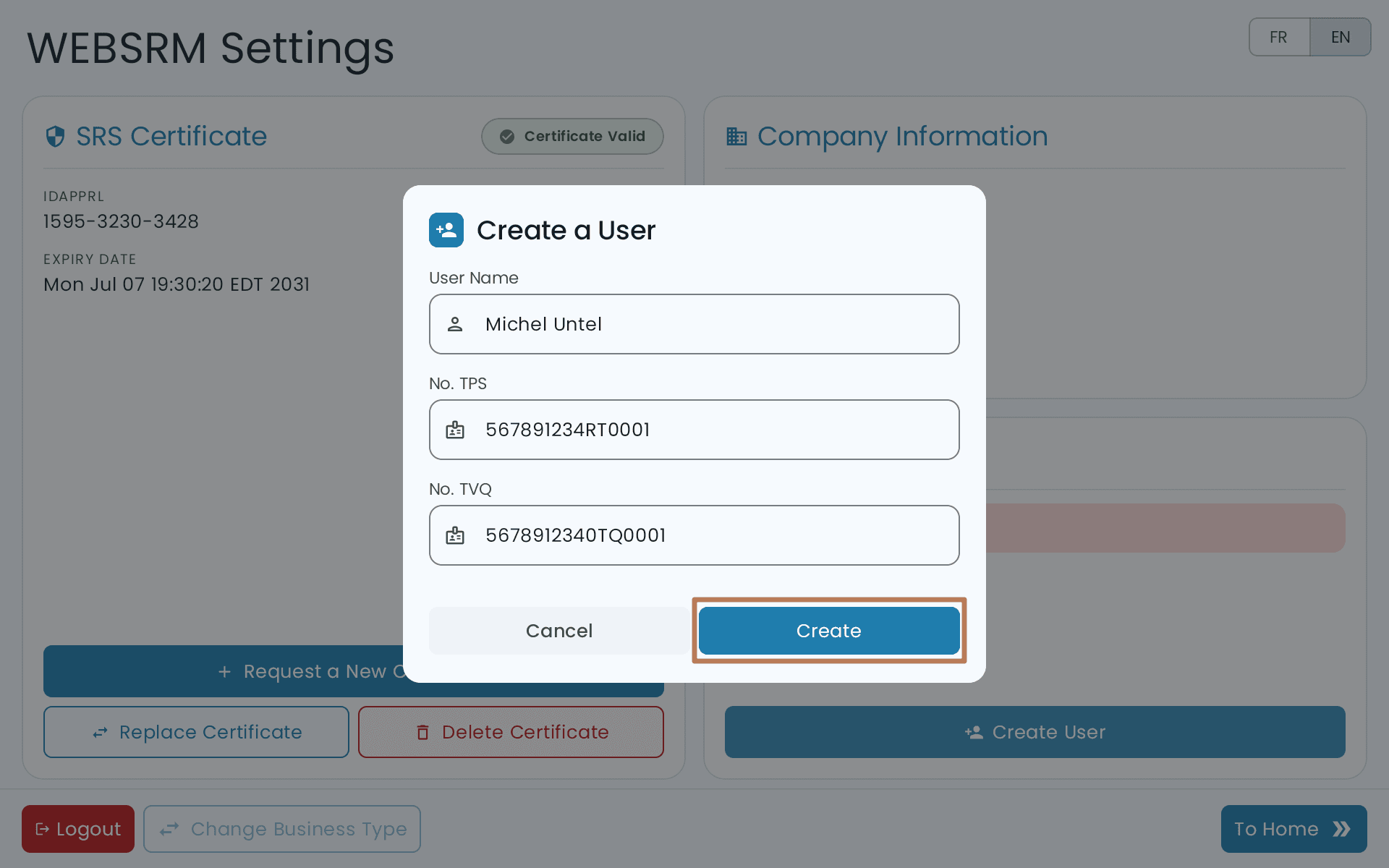
With Shared PIN, sales are recorded under this user. With Personal PIN, each staff member gets a WEB-SRM user of their own — see What WEB-SRM means for you.
Changing it later
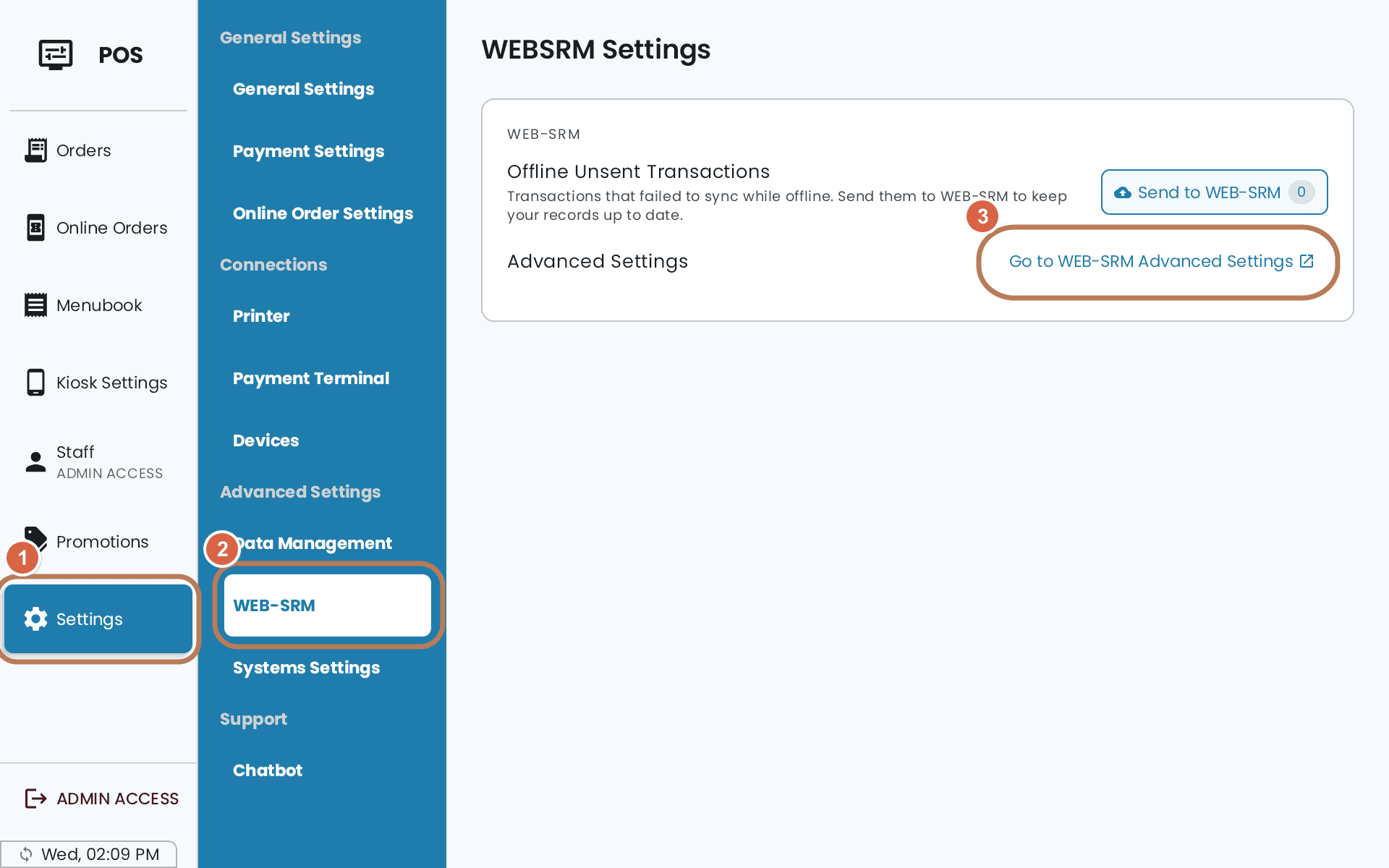
To reopen WEB-SRM settings after setup: Settings → Advanced Settings → WEB-SRM, then Go to WEB-SRM Advanced Settings.