The kiosk is deliberately locked to the ordering screen so a customer can't reach anything else. There are two ways out, and both are meant for staff.
The hidden menu
-
From the language selection screen, tap the top-right corner once, then the bottom-right corner three times in sequence.
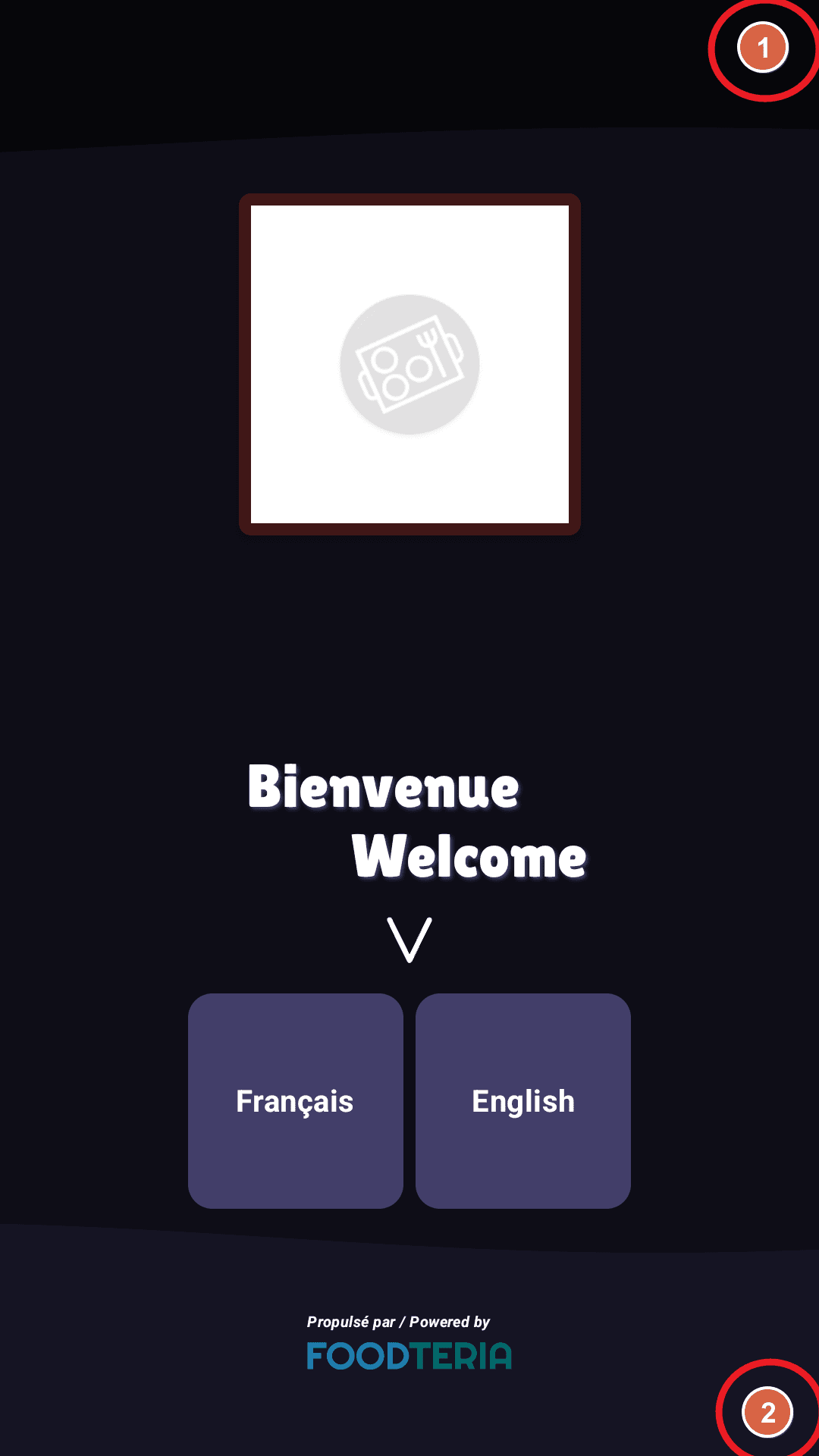
1 — top-right corner. 2 — bottom-right corner. -
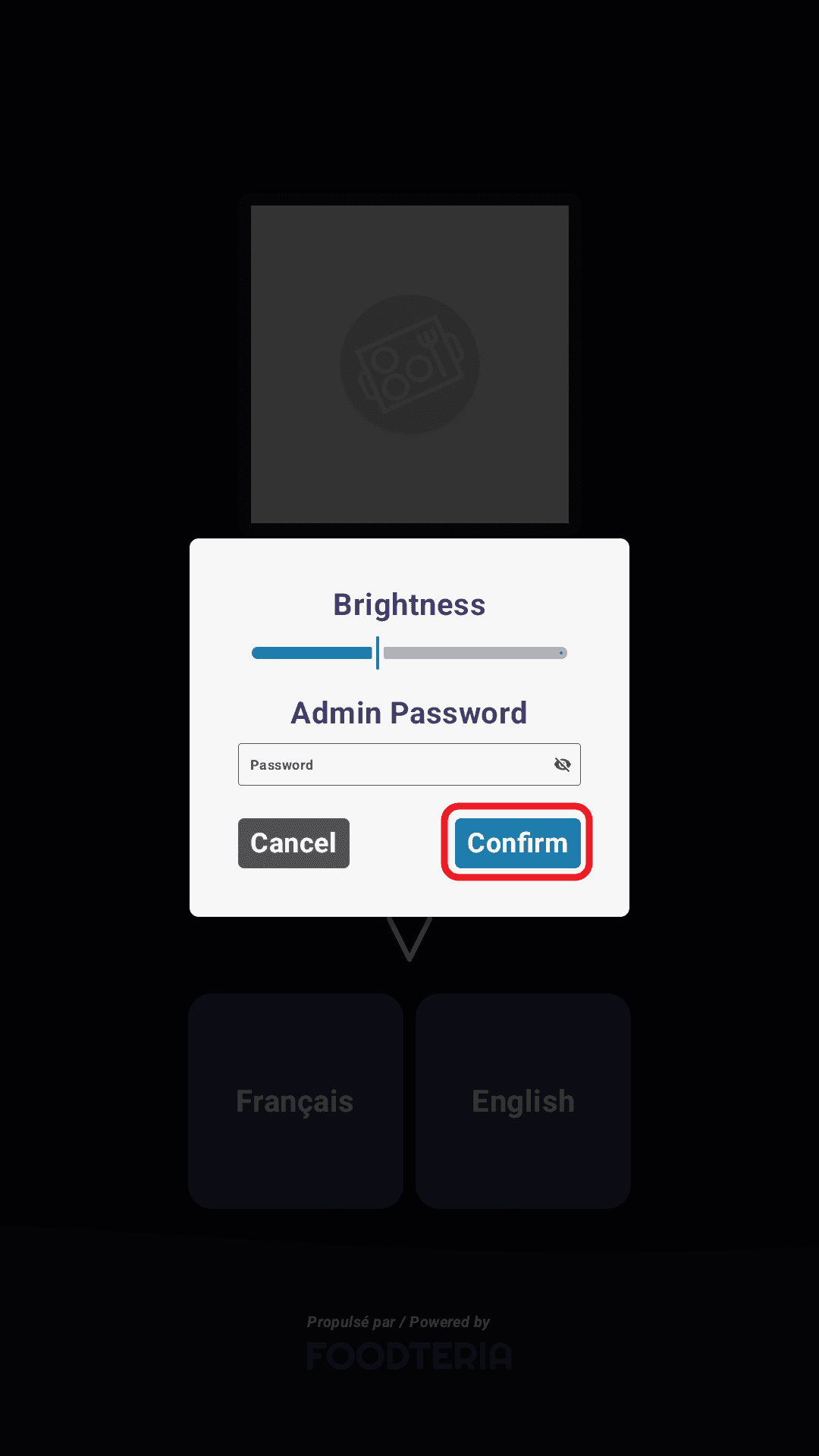
Enter your Account Password, the password of your Foodteria account, and tap Confirm. If your kiosk is set up with a PIN instead, it asks for the PIN.
-
In the settings menu, select Close the App at the bottom left.
-
Confirm on the popup.
You need your account password. If you don't have it, ask whoever manages your Foodteria account.
Restart instead
Restart the kiosk. When it boots to the settings screen, tap Close the App.
Use this if the password isn't to hand.