A tablet that has drained to 0% goes into a deep discharge state. It will not respond to the power button, and it may show no charging indicator at all for a while. That doesn't mean it's dead.
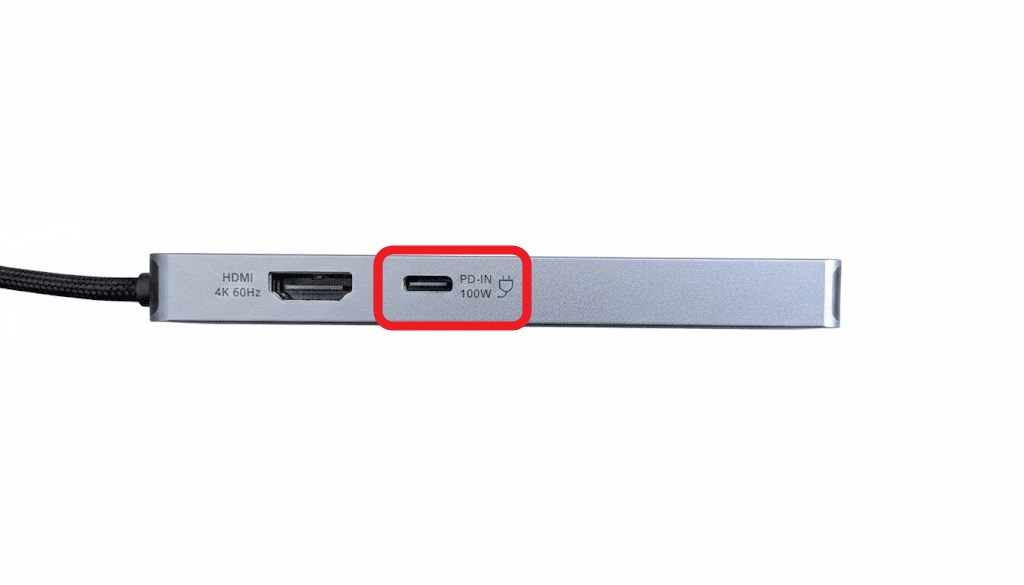
Unplug any USB-C hub
Plug the charging cable straight into the tablet.
Use a strong enough charger
At least 30W, and 45W is better.
Leave it for 30 minutes
Uninterrupted. The screen stays black. That's normal.
Check the battery level
Press the power button once, briefly. Don't hold it.
Start it
Once there's charge, press and hold the power button.
Why the hub matters
Charging through a hub splits the power. With a low-wattage charger, a hub can drain the tablet faster than it charges it — so it never recovers no matter how long you leave it. This is the single most common reason a tablet "won't charge".
If it still won't start
After a full 30 minutes on a direct, adequate charger with no response at all, contact support.