An option is a single add-on with its own price, attached to a product on its own. "Add bacon $1.50". "Make it large +$2.00".
That's the difference from a choice group: a choice group is a set the customer picks from, with rules about how many. An option is one thing they can add.
Both are saved in your Library and reused across products, and an option can also be used inside a choice group as one of its choices.
Creating one
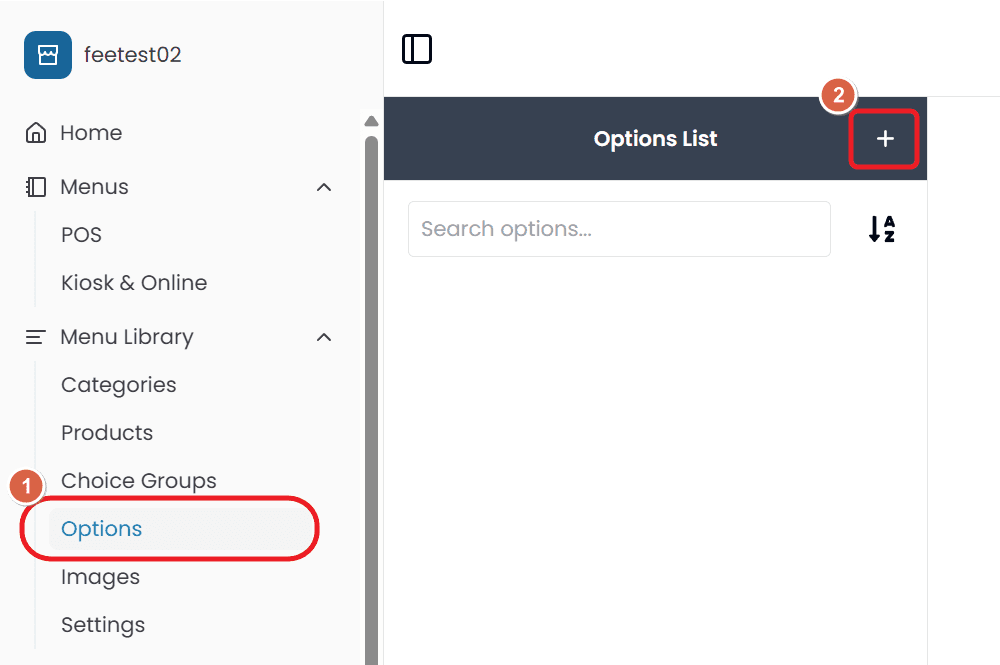
Open Menu Library → Options and select +.
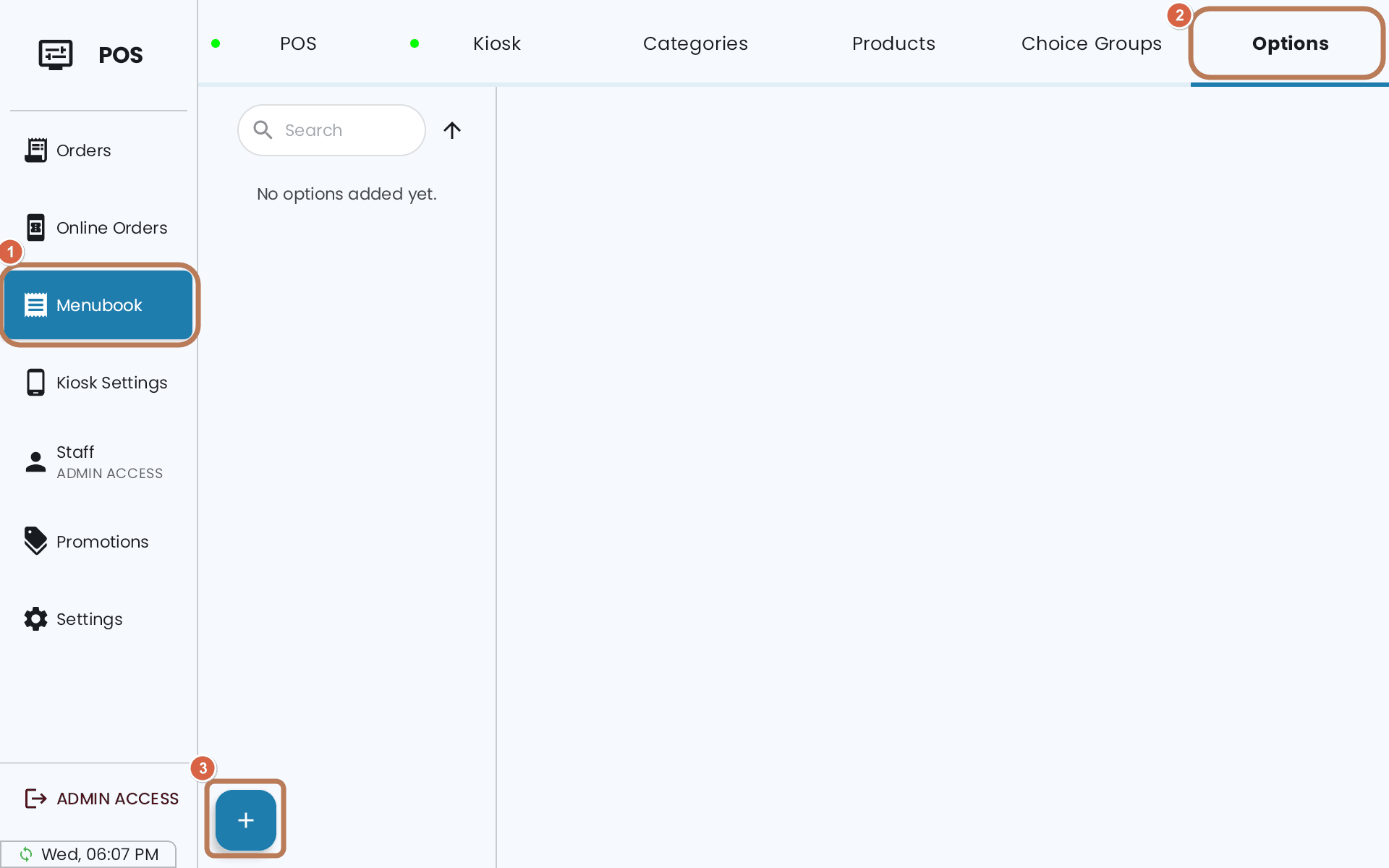
Or from the POS: Menubook → Options → +.
- Name — at least two characters.
- Image — a picture, shown to customers while they customise the item.
- Price — what adding it costs.
- Other prices — a different price on a particular channel, if you use alternative price lists. See Custom, bundle and alternative prices.
- Type — Select or Quantity, the same distinction as a choice group. Select means the customer can add it once; Quantity means they can add several.
- How many is added by default? — the default quantity: how many it starts with. Only available on Quantity options; it's fixed at zero and disabled for Select.
Then assign it to the products that offer it.
One record, every product
An option is a single Library record. Set "add bacon" once and every product that offers it uses the same price — change it in one place and it changes everywhere.
That's the point, but it means you can't charge $1.50 for bacon on one burger and $2.00 on another using the same option. For that you need two options with different names.
A default quantity starts it added
Setting a default above zero means the option arrives already on the item, and the customer removes it rather than adding it. Useful for something included by default that people sometimes decline.
Hiding an option from a channel
An option can be hidden on some of your customer channels and kept on the others. See Hiding a product from a sales channel.