When the kitchen loses a ticket, or the printer was out of paper, print it again rather than entering the order a second time.
From the cart
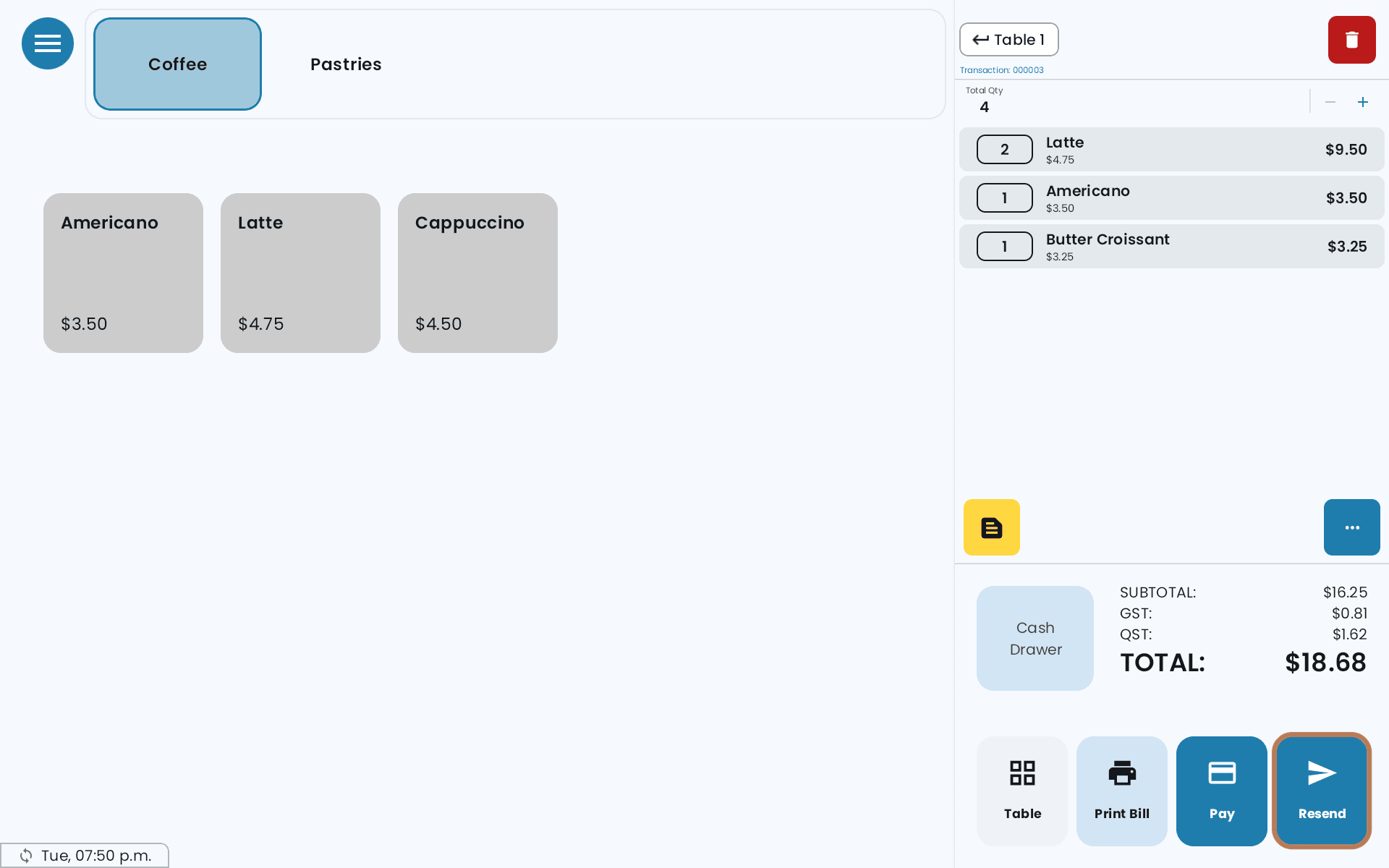
Once every item on the bill has been sent, the Send Order button reads Resend. On a split table with several bills, Send All reads Resend All.
-
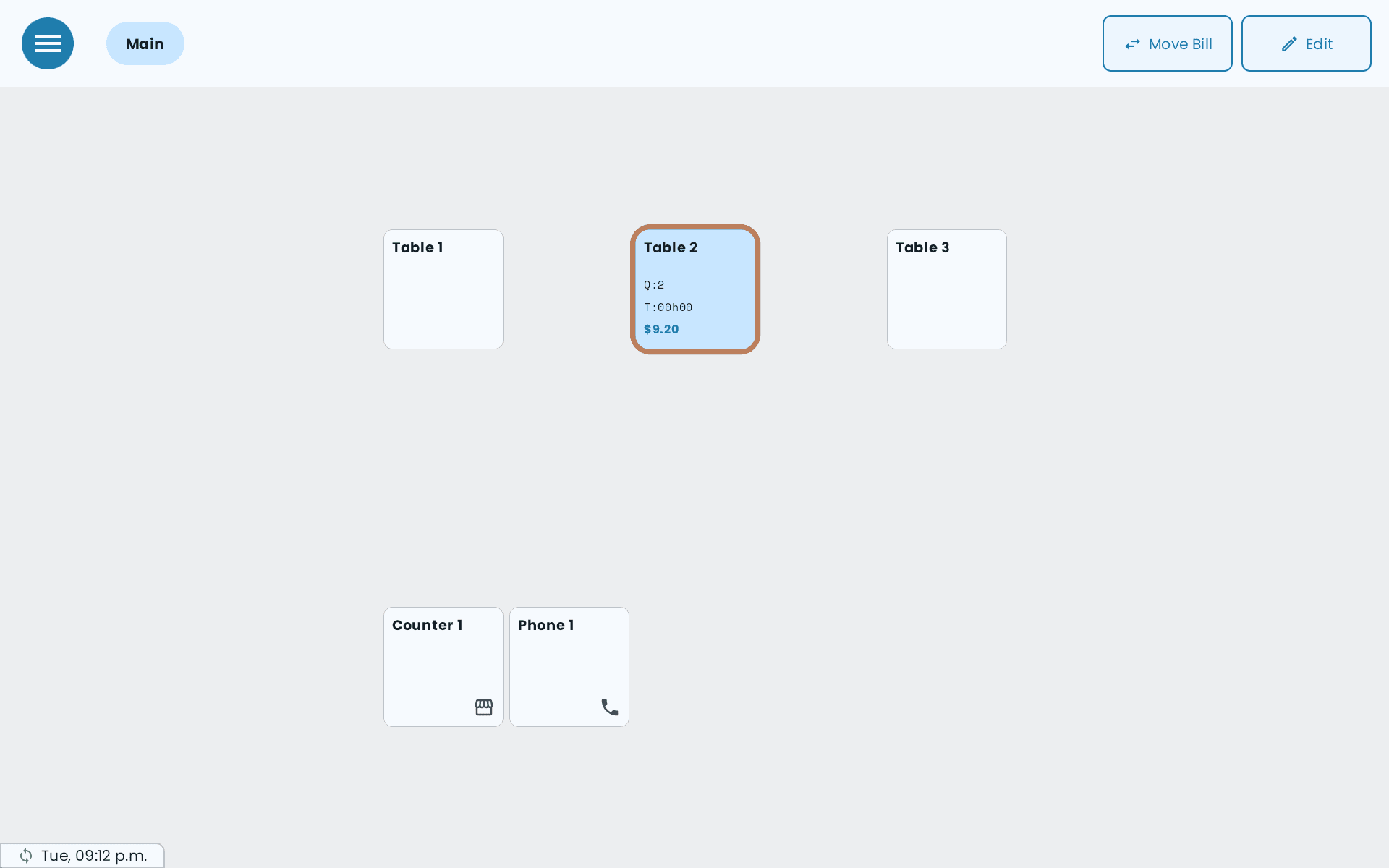
Open the table.
-
Tap Resend (or Resend All).
-
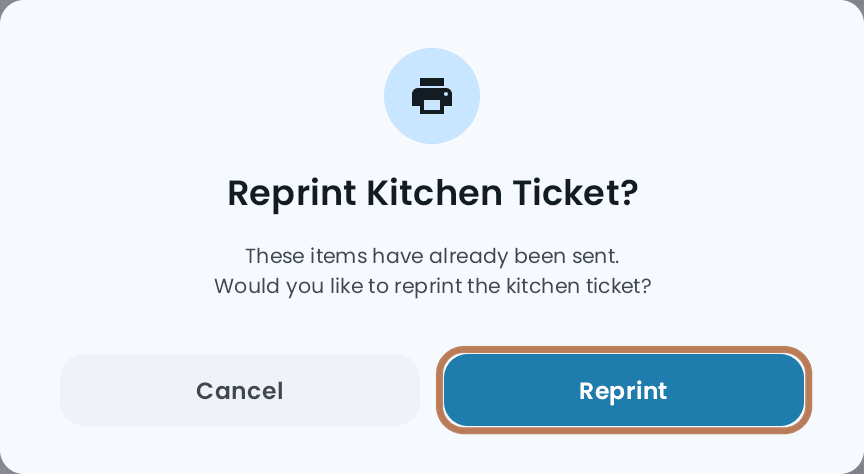
The POS asks Reprint Kitchen Ticket? — These items have already been sent. Would you like to reprint the kitchen ticket? Tap Reprint.
The ticket prints again with a REPRINT banner across it and the same ticket number as the original, so the kitchen can tell it isn't a new order.
If you have added items since the last send, the button still reads Send Order. Tap it and only the new items go to the kitchen; tap Resend afterwards if you need the whole ticket again.
If your cart also shows a Print Kitchen button, that is something else: it prints the whole bill to the kitchen again, including items that haven't been sent, and without the banner. Use Resend for a reprint.
From Order History
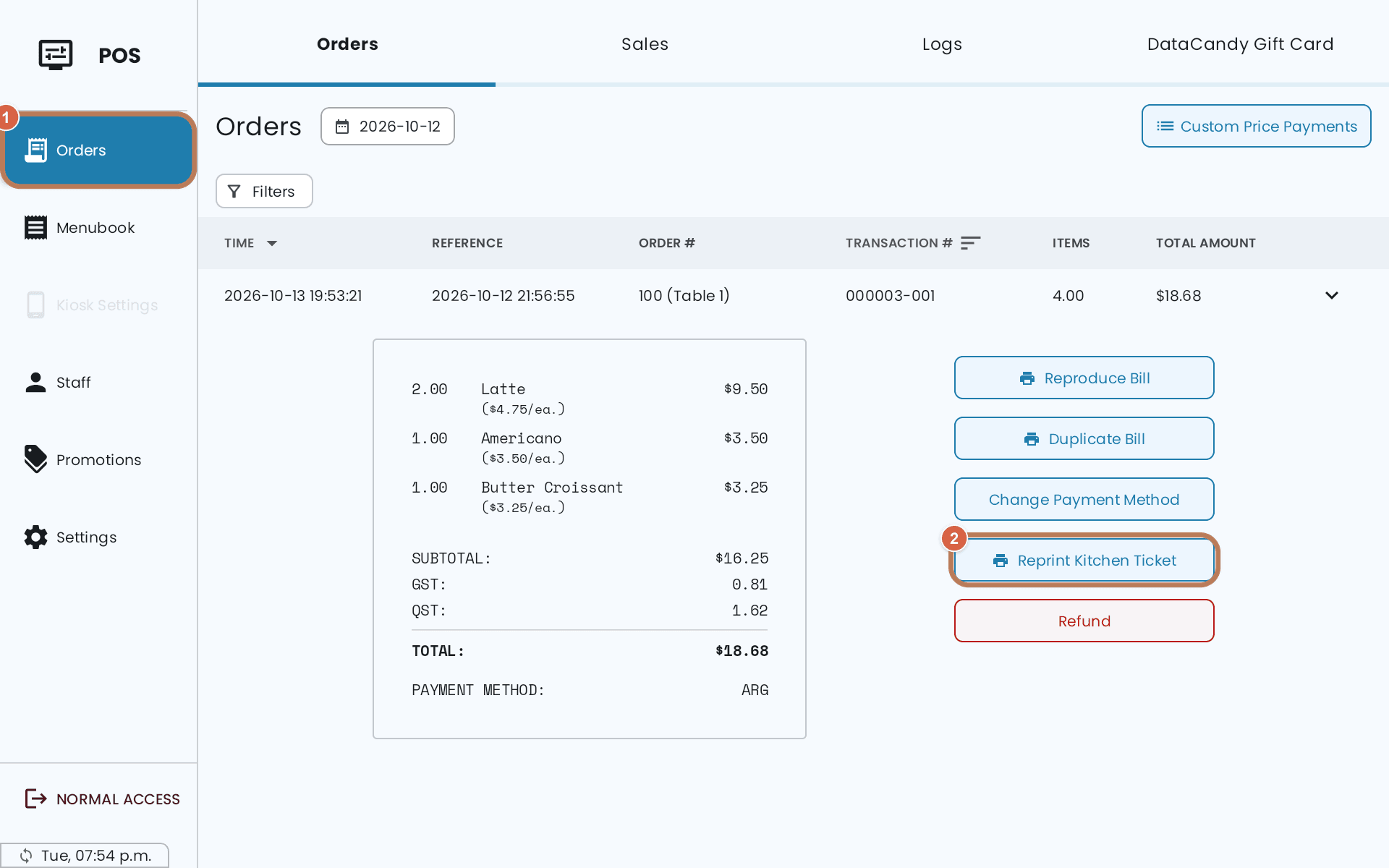
Open the order in Order History and tap Reprint Kitchen Ticket. It prints straight away, with the REPRINT banner.
For an online order
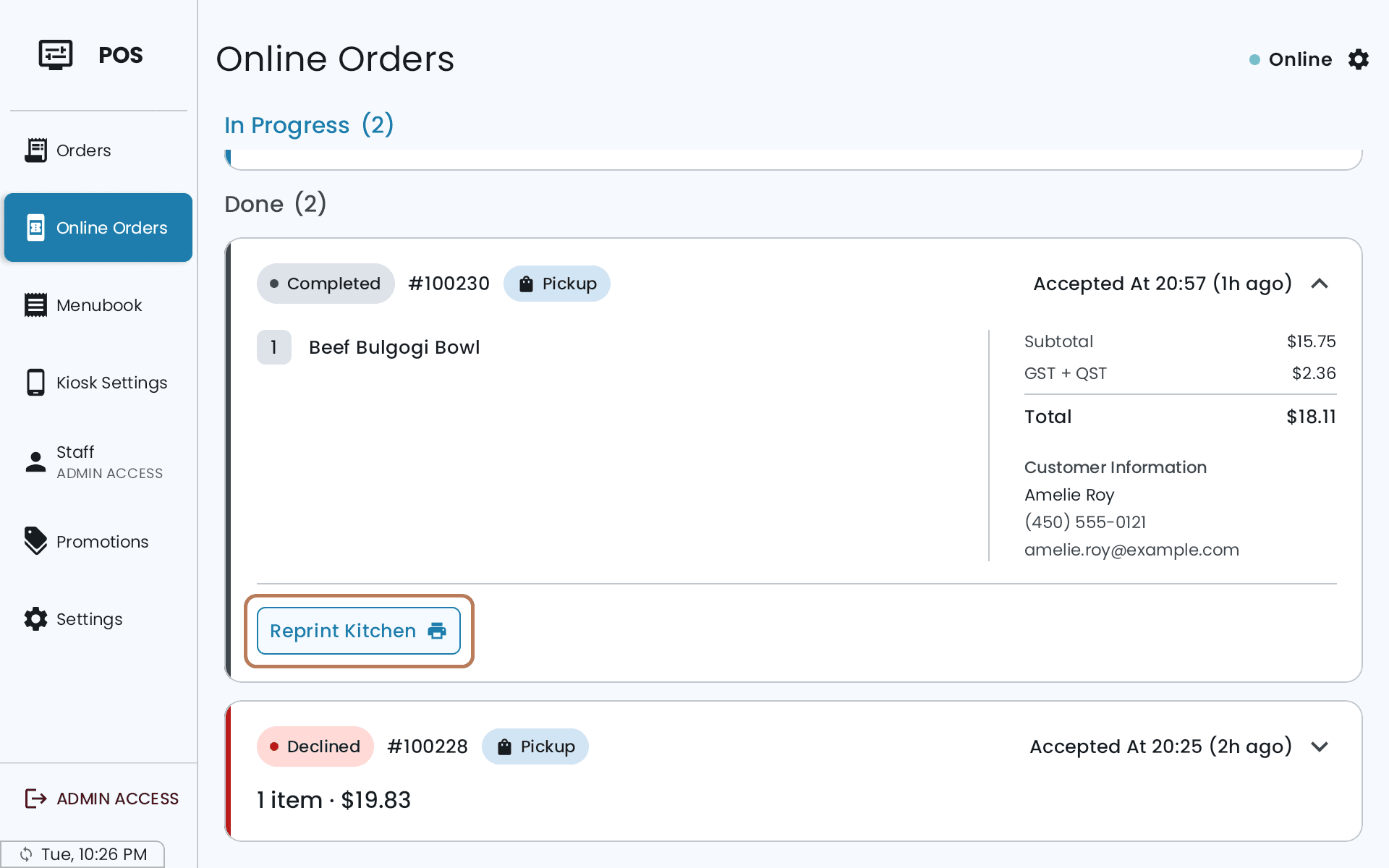
Open the order on the Online Orders screen and tap Reprint Kitchen. It's available once the order has been accepted.
On a POS in Mobile Device Mode
A POS in Mobile Device Mode doesn't print the ticket itself. Tap Resend as usual; the screen shows Waiting for the main POS to queue the kitchen receipt. and your main POS prints it on its kitchen printers.
If it doesn't work
- New items were added. Review the cart and use Send before reprinting. — something in the cart hasn't gone to the kitchen yet. Tap Send Order first.
- No eligible kitchen printer is enabled for these items. — none of your enabled kitchen printers takes these categories. Check the printer's categories under Settings → Printer.
- Select a bill before reprinting its kitchen receipt. — on a split table, open the bill you want, or use Resend All.
- The previous kitchen reprint completed. Review the table before reprinting again. — one reprint at a time per table. Check what the kitchen has before sending another.
- Nothing prints at all — that's the printer, not the reprint. See A printer isn't printing.
For how tables and bills work, see Tables and your floor plan.